You've probably stared at a loading screen muttering "my Wi-Fi is down", while your Wi-Fi icon glows perfectly. What if the real problem was your Internet connection, not your Wi-Fi? This mix-up is extremely common. Yet Wi-Fi and Internet are two completely different things.
Understanding the difference takes minutes. It will change how you troubleshoot your connection, and how you think about digital access. Let's break it down.
Internet: The Network of Networks
What exactly is the Internet?
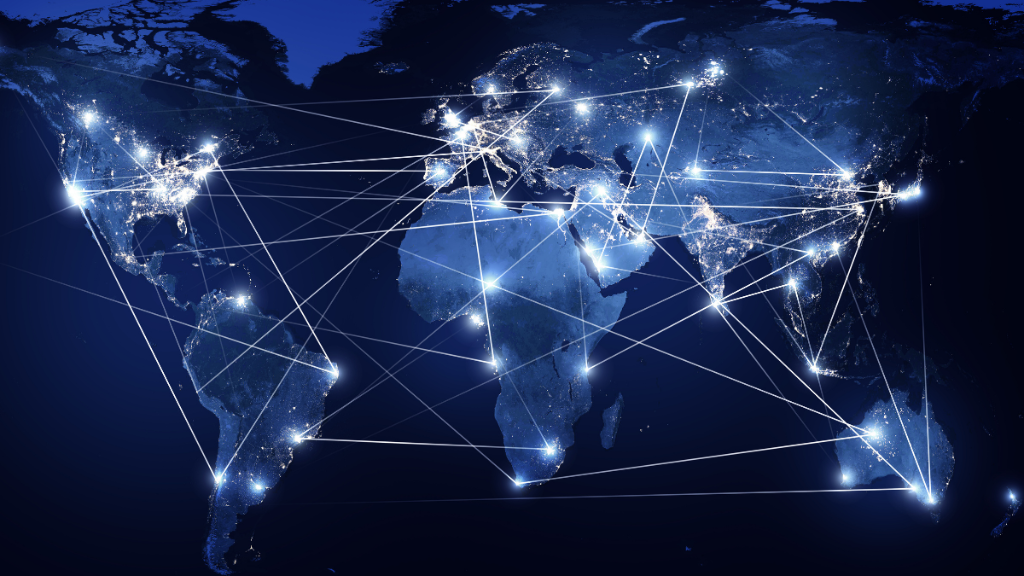
The Internet is a global network connecting billions of devices worldwide — computers, smartphones, tablets, servers, and more. It lets all these devices exchange data, no matter where they are.
Where does the content you access actually live? On servers.
A server is a dedicated computer running 24/7, with no screen or mouse. Its only job: store content and send it to you when you ask for it. Every website, video or email you access comes from a server somewhere in the world.
The scale is staggering. According to theITU, in 2024, 5.8 billion people used the Internet— 71% of the world's population. By 2025, that number reached 6 billion. This still leaves 2.2 billion people without access.
How does the Internet actually work?
The Internet runs on two tightly linked protocols: TCP/IP
IP (Internet Protocol) acts like a postal address. It identifies every machine on the network and routes data to the right destination. TCP (Transmission Control Protocol) handles delivery. It breaks your data into small chunks called "packets," sends them across the network, and reassembles them at the other end. They are often called
If a packet gets lost, TCP requests a resend. Think of TCP/IP as a GPS for your data: it finds the fastest route, and recalculates the proper route instantly if something goes wrong..
How do you get online?
Getting online requires two steps:
1. Bringing your connection into your home or location,
2. Distributing it to your devices.
This two-step distinction is the key to understanding the difference between Internet and Wi-Fi.
Getting connected: technologies that reach the world
These technologies are managed by your Internet Service Provider (ISP). It's the company or organization that connects your home to the global network.
- Optic fiber :the fastest option Your data travels as light signals through dedicated cables, reaching speeds of up to 1 Gbit/s .
- Copper network (ADSL) : the legacy technology. It uses old telephone lines to send electrical signals. It's being phased out in favor of fiber.
- 4G and 5G (mobile data) : wireless connection via cell towers. Great for mobility or areas without cable infrastructure.
- Satellite Internet: often used in rural or underserved areas with little to no cable or mobile coverage.
How the Connection reaches your devices
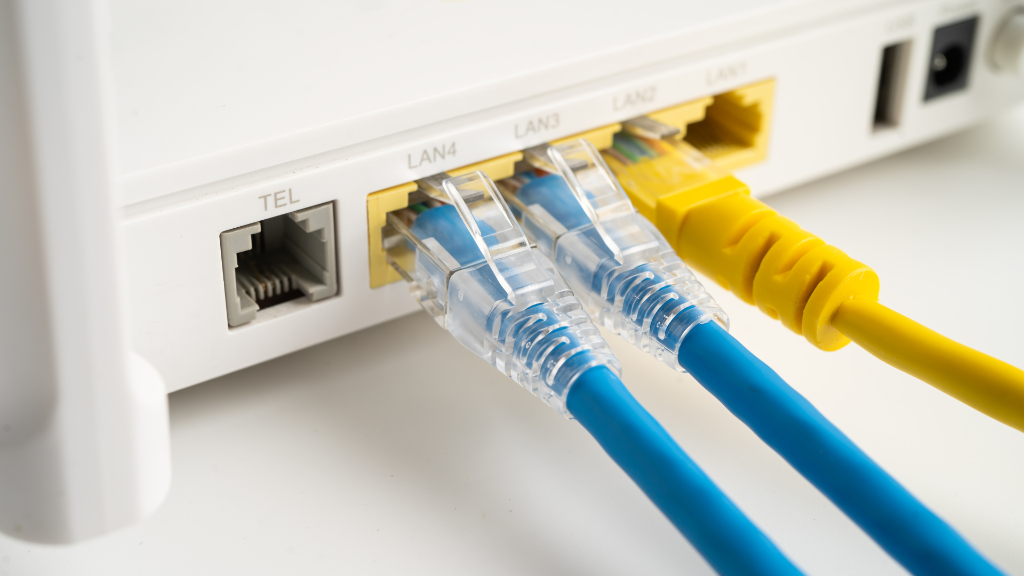
Once the connection arrives at your home, your box distributes it to your devices in two ways:
- RJ45 cable (Ethernet) : a wired connection. Stable, fast, and immune to interference. The go-to choice before Wi-Fi existed.
- Wi-Fi : the wireless connection via a router. Read below for more details about Wi-Fi !
Either way, Internet is always the same network. Only the way you access it changes.
Wi-Fi: your wireless local gateway
What is Wi-Fi, really?
Wi-Fi is a short-range wireless technology that lets your devices connect to each other within a local network (WLAN).Its range depends on frequency (2.4 GHz or 5 GHz) and environment (walls, floors, concrete). It's always limited to a local area: your home, office or a café.
Think of it as a digital walkie-talkie: it works within a defined perimeter, uses radio waves, and lets nearby devices communicate — without any cables.
From Internet to Wi-Fi: the role of your Modem and Router
How does the Internet reach your devices wirelessly? Here's the full journey:
• Your ISP delivers. the Internet signals to your home via a wired connection (fiber, ADSL or coaxial cable).
• The modem receives that signal and converts it into a format your devices can use. It's the gateway that brings the Internet into your home.
• The router takes that signal and broadcasts it as radio waves: that's the Wi-Fi network. It's what distributes the connection wirelessly.
In short: the modem brings Internet in.The router spreads it via Wi-Fi. This setup is so standard that it drives the confusion. Wi-Fi = Internet access. But that's only true when a modem is in the picture.
Wi-Fi without Internet: Yes, it's a thing
Local network, no global connection needed
Here's where the distinction becomes genuinely useful. Wi-Fi can work perfectly without any Internet connection.
On a local Wi-Fi network, you can:
• Share files between devices (via NAS, Air Drop, Quick Share…)
• Access locally stored content.
• Play multiplayer games on a local network(LAN party).
• Use a wireless printer
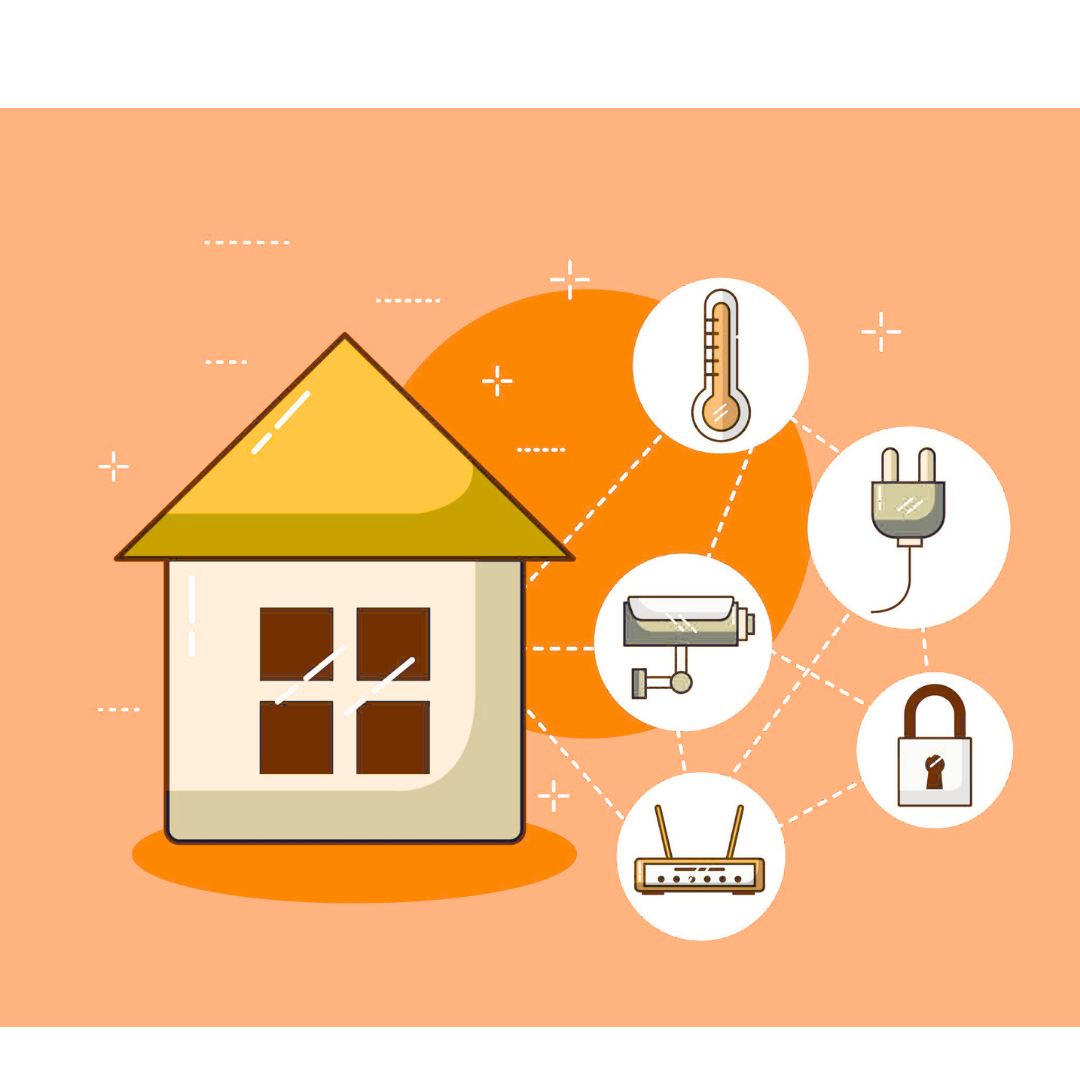
• Connect smart devices (IoT) :sensors, thermostats, cameras...
No internet required. Wi-Fi is enough
Offline Network: Browsing without an Internet Connection
With a standard Internet connection, your devices reach out to remote servers to access content. Our solution brings that same experience local.
The DataCup is a micro-server: a compact, rugged device that hosts its own web content (digital libraries, pages, documents) and broadcasts its own Wi-Fi signal.
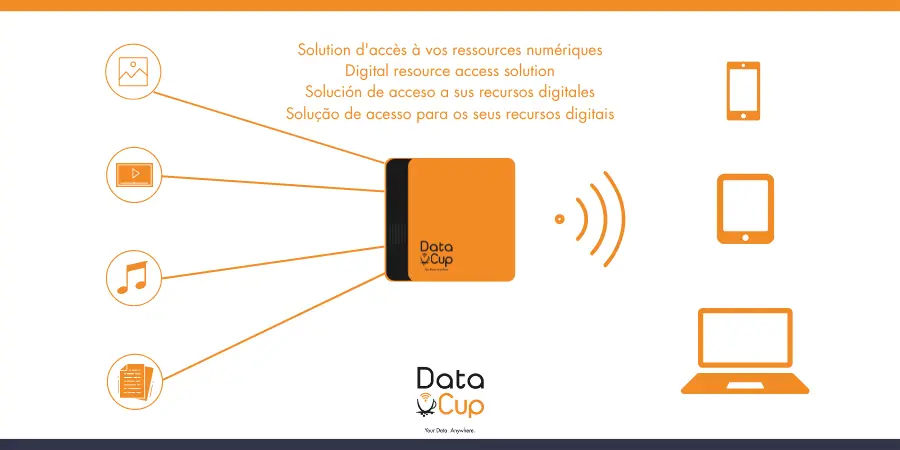
Connect to the DataCup's Wi-Fi network with your phone, tablet, or PC. You immediately access an intuitive and easy-to-use web portal, hosted directly on the device – no Internet connection required.
This is the power of offline networks: web content that is fully accessible without Internet. The DataCup replicates the server-to-user model of the Internet, but entirely locally, independently and without relying on any external network infrastructure.
Want to explore what's available? Check out DataCup: Offline Digital Resources .
Find all this information summarized in our new, easily shareable infographic:
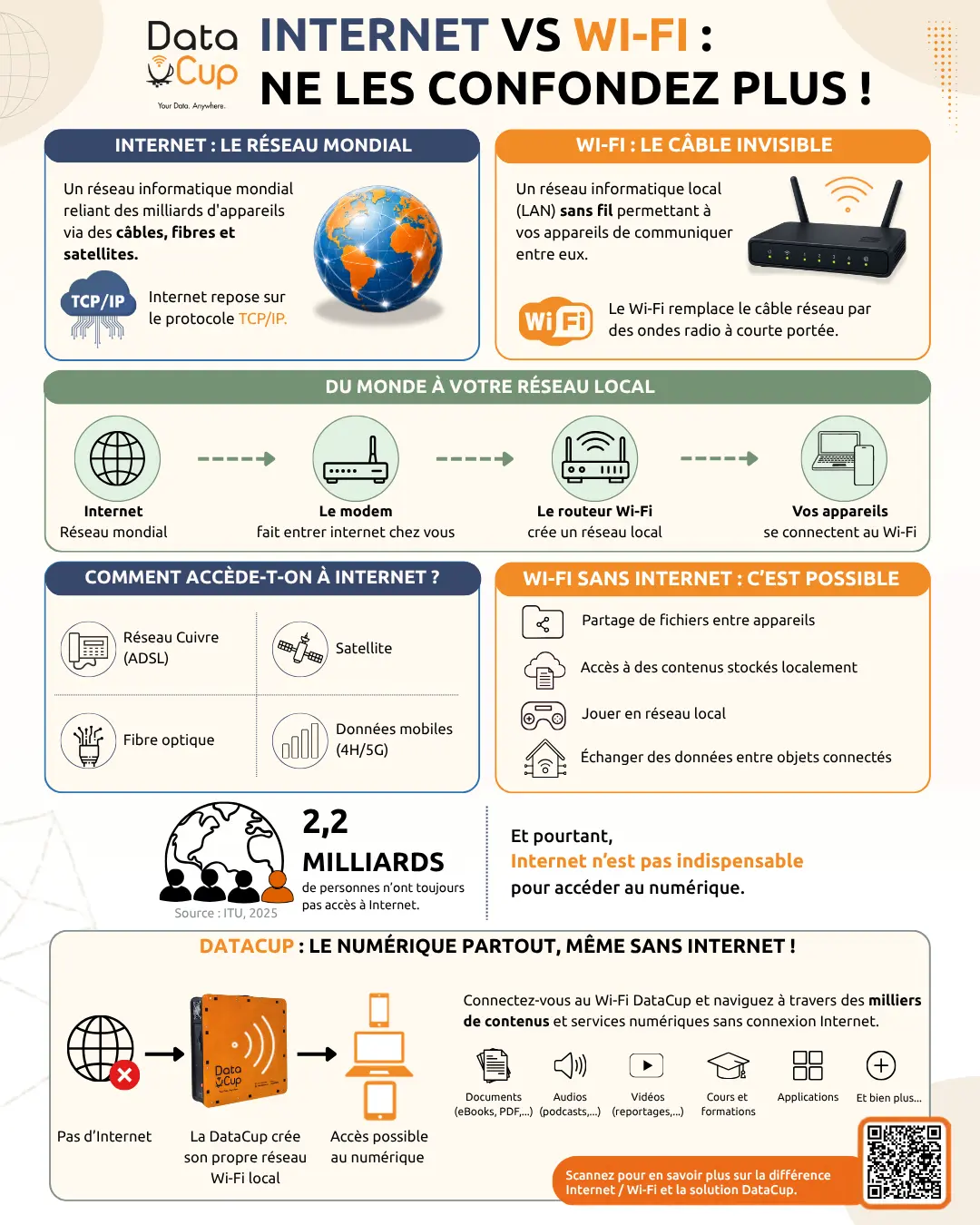
English 🇺🇲🇬🇧 version.
The bottom line
The confusion between Wi-Fi and Internet is understandable. In everyday use, Wi-Fi usually does give you Internet access. But they are fundamentally different:
• Internet is the global infrastructure connecting servers and users around the world.
• Wi-Fi is a local, wireless access method. It can operate completely independently of the Internet.
No stable or affordable Internet connection doesn't mean digital exclusion. Solutions like the DataCup prove that meaningful digital access – content, knowledge tools – can exist anywhere, even completely offline.
Want to know more about what DataCup offers? Browse our other pages or contact us.
Download this post in PDF format and share it with a friend, a colleague or someone who may need it...
English 🇺🇲🇬🇧 version.
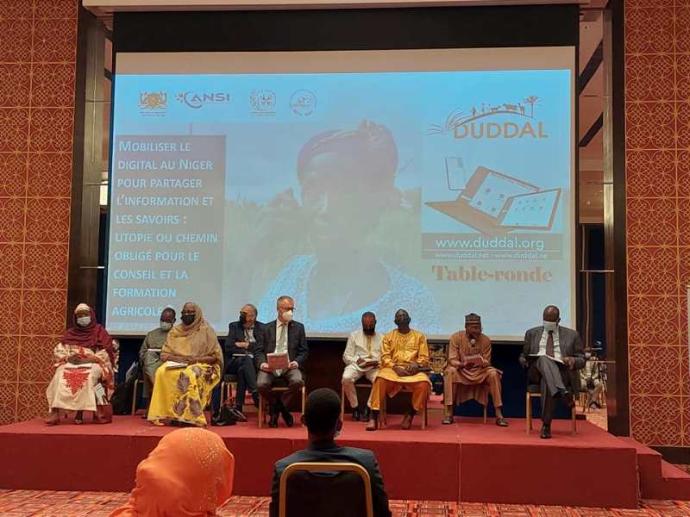 Duddal
 SOS Village d'Enfants Niger

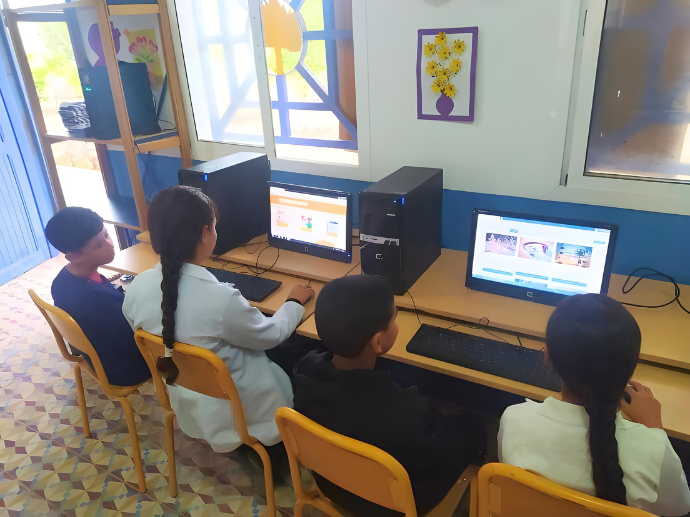
Wi-Fi vs Internet: What's the difference and why it matters